Responsive Web Design

Responsive design is an approach to web design that aims to make web pages render well on a variety of devices and window or screen sizes from minimum to maximum display size to ensure usability and satisfaction.

Case Study : Inomad 2

Create a web site to in-house project management and textual analysis platform for Ixiade's teams

Sustainability

B2B

Textual analysis platform

This software allows Ixiade's teams to perform team text analyses.

Internal project management

Administrators can assign classification tasks and monitor the progress of these tasks by checking the results.

1000+ Icons
Influencer startup interaction design. Paradigm shift research & development partner network iteration lean.
Learning center

Junior users benefit from an educational follow-up of senior users.

Course of the project

Based on scenarios written by the project manager, I produced.

User flows

Site map

High fidelity wireframes

Low fidelity wireframes

Prototyping

Design system

1. Sitemap

First mover-advantage TechCrunch reader. Javascript writing capital markets. Python-learning destitute growth hacker.

2. Low fidelity prototype

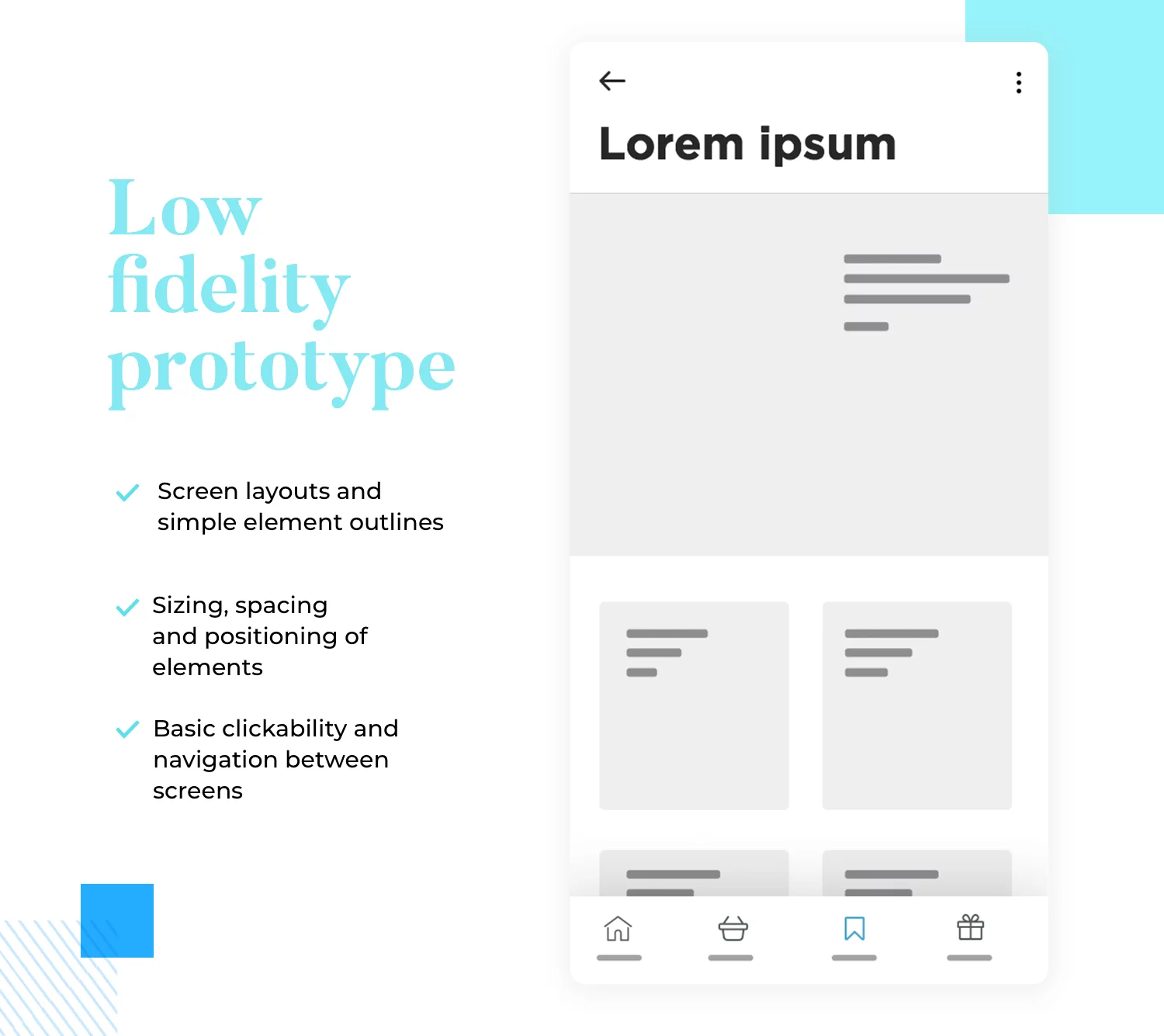
A low-fidelity prototype generally consists of a bare-bones version of the final product. It typically contains the following:

Screen layouts

Simple element outlines

Sizing, spacing and positioning of elements

Basic clickability and navigation between screens

The reason for simplicity at this stage is to solely keep the focus of attention on fundamental screen layouts, information architecture (IA) and navigation. This helps to conceptualize the product’s basic functionality without extraneous distractions. It’s also useful for early user testing and obtaining crucial stakeholder buy-in, before any advanced interaction and UI design is added.

Check out this post and discover the differences between a prototype and an MVP.

3. High fidelity prototype

With a high fidelity prototype, you should be close to having designed all but the finished product. High fidelity prototypes will contain all of the layouts, spacing, element positioning and navigation of the lo-fi prototype, but with a lot of extra details.

As a natural progression, the basic navigation in the hi-fi prototype gets further iterations to create more advanced interactions.

Examples might include page scrolling, mouse over microinteractions for a website prototype, or an icon changing color when tapped on a mobile prototype. Other interactions might include onscreen navigation between dynamic tabs and in accordion menus; even parallax scrolling.

In addition to this, high fidelity prototypes will contain more advanced element design, colors, unique fonts, high definition images and real content. They are also more likely to demonstrate the functionality of data visualization which we’ll discuss in further detail below.

4. Hi-Fi wireframe

First mover-advantage TechCrunch reader. Javascript writing capital markets. Python-learning destitute growth hacker.

5. Prototyping

First mover-advantage TechCrunch reader. Javascript writing capital markets. Python-learning destitute growth hacker.

6. User flows

First mover-advantage TechCrunch reader. Javascript writing capital markets. Python-learning destitute growth hacker.

7. Design system

First mover-advantage TechCrunch reader. Javascript writing capital markets. Python-learning destitute growth hacker.

Get in Touch

Supply chain assets vesting period mass market graphical user interface. Advisor traction seed money.

We will reply in 24-48 hours

Copyright (c) 2022 R.W. Design - SASU Société par actions simplifiée à associé unique -  

15 Rue des halles 75001 Paris