Mobile Application

Mobile UX design is the design of user experiences for hand-held and wearable devices. Designers create solutions (typically applications) to meet mobile users' unique requirements and restrictions. While designing mobile applications, we will focus on accessibility, discoverability and efficiency to optimize on-the-go interactive experiences.

Case Study : WiveMe

Designing a social network for building good habits

Social network

Habit building

Freemium

Track your habits with a friend.

Friends can track their habits between each others and set rewards once the goals are accomplished.

Organize your tasks at home

At home, you can share house chores using a priority matrix and a calendar.
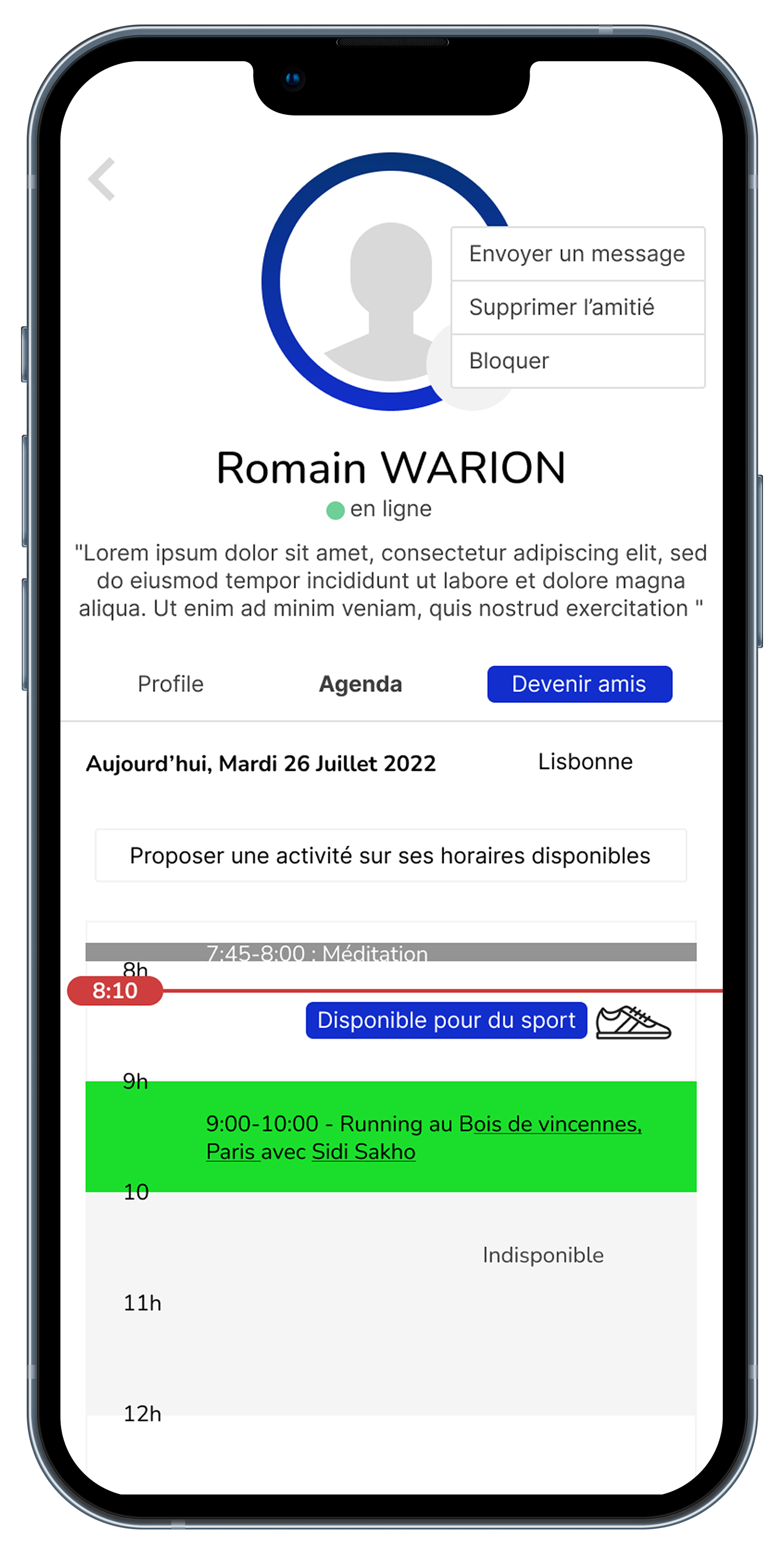
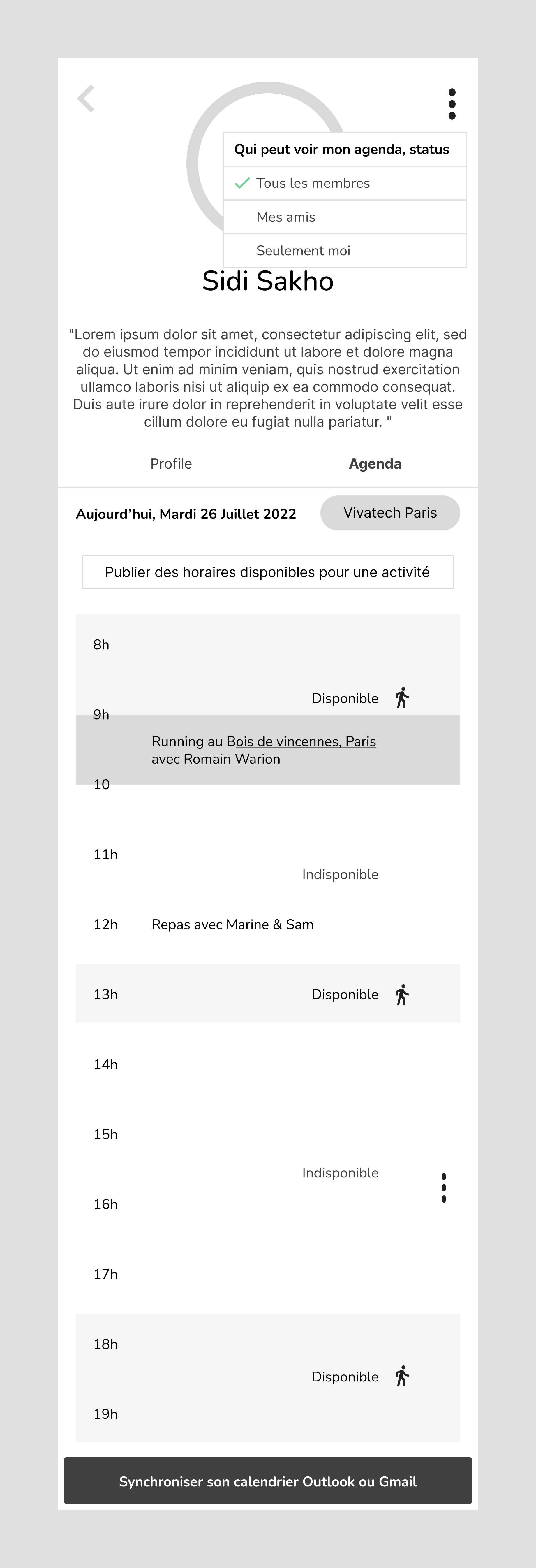
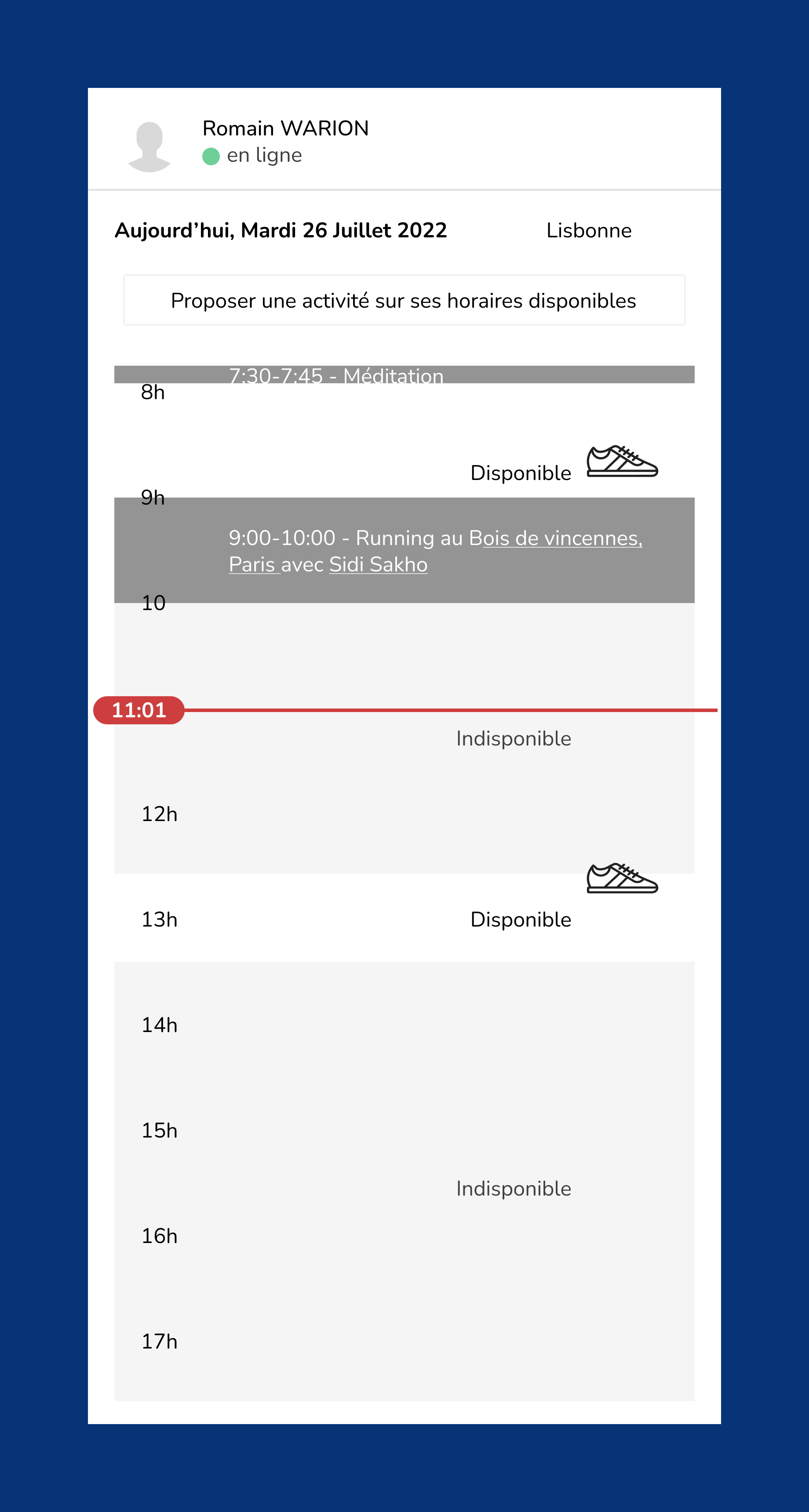
Share your activity calendar

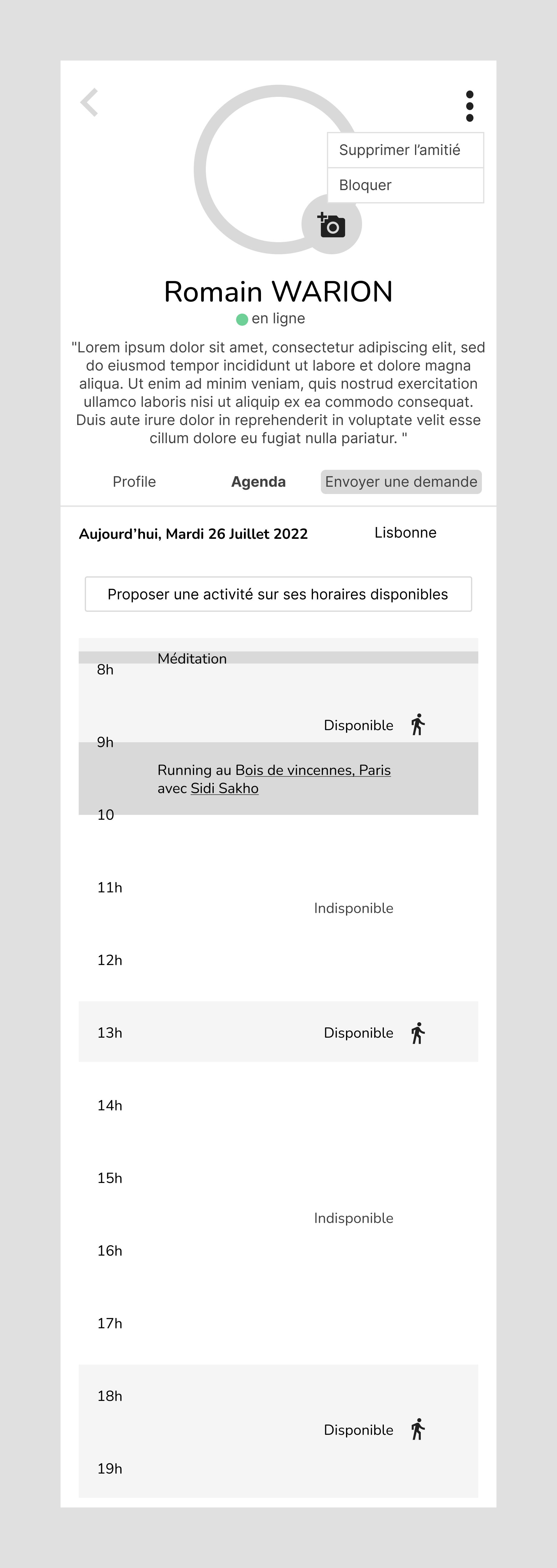
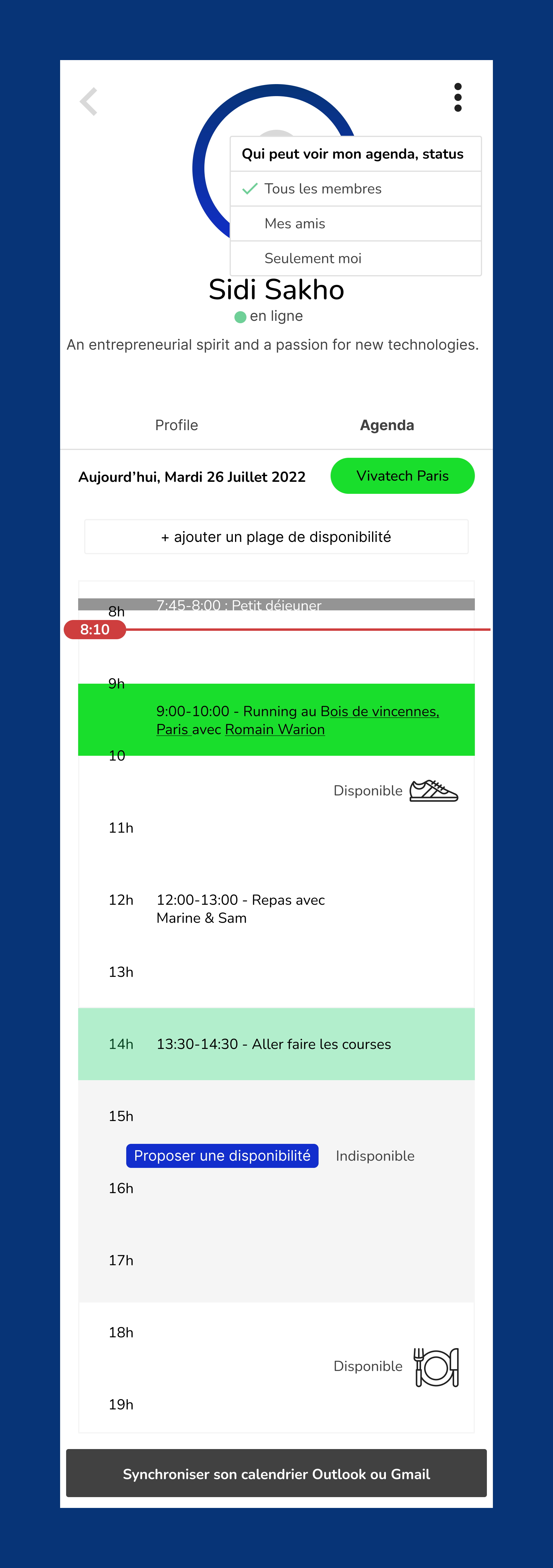
Share the events you going to and your availabilities for doing sport, going to social gatherings or work events with other users of the application.

Organize events

Organize meetups with the community on WiveMe.
Brief

Khadija and Sidi Sakho, WiveMe's founders, contacted me in order to design their application, a social network that uses social dynamics to help its users start and maintain positive habits. My Role was to advice them on user experience, design the application and support the development team.

This project lasted 1 month and a half.

Steps

Step 1 - UI Sketches

Step 2 - Low fidelity wireframes

Step 3 - High fidelity wireframes

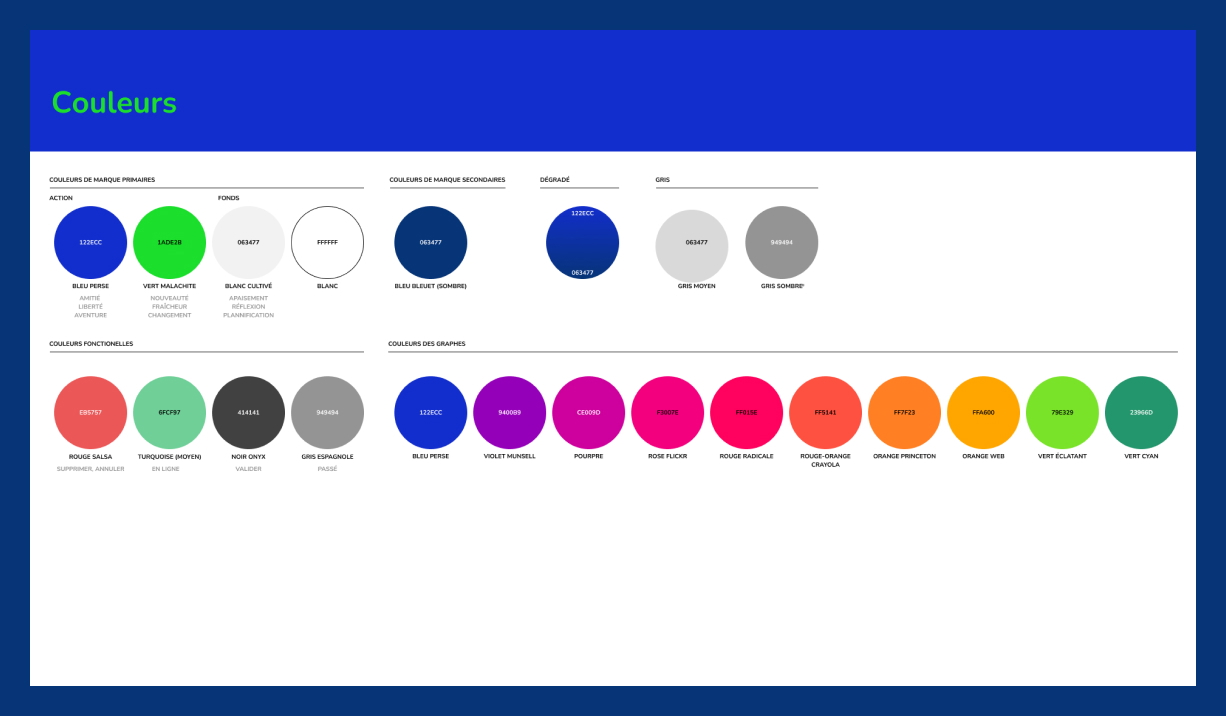
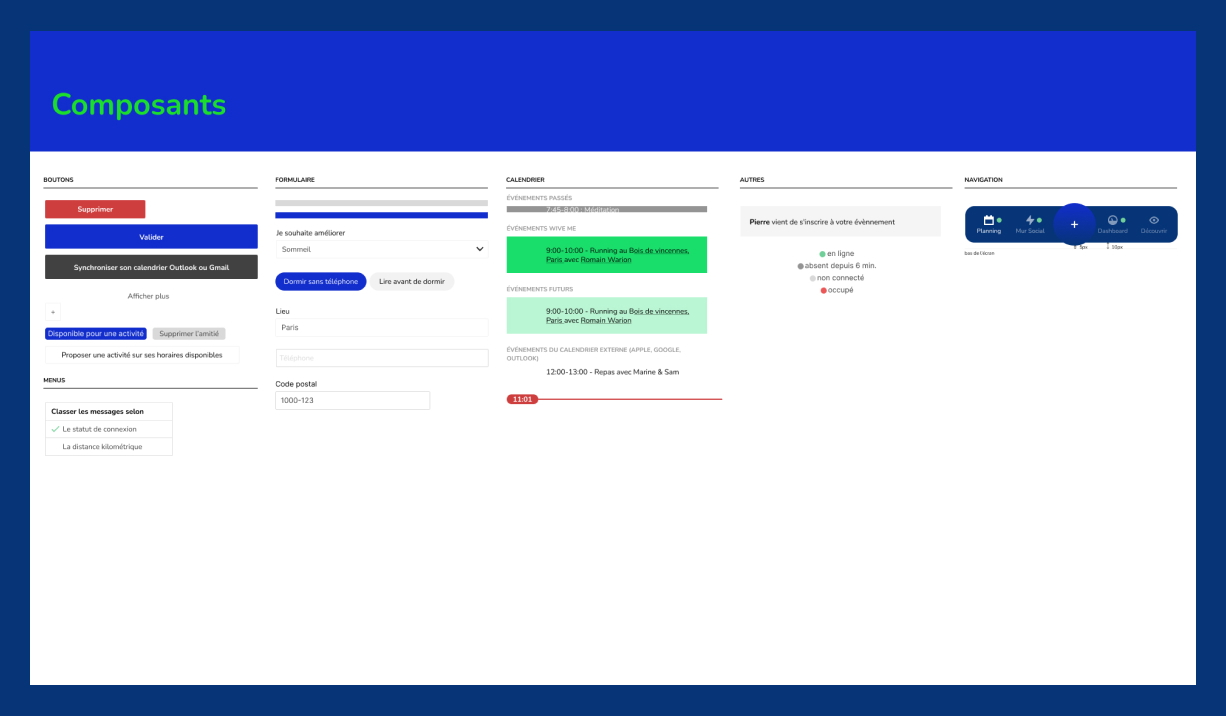
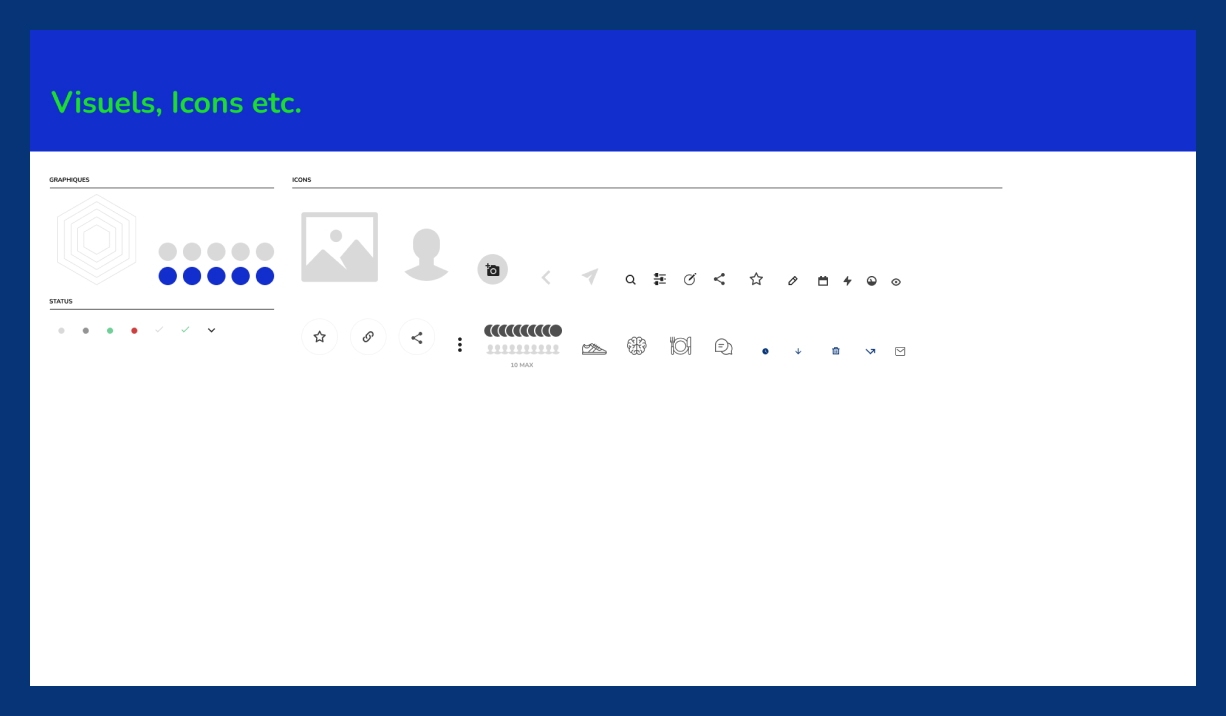
Step 4 - Design system

Step 1 - UI Sketches

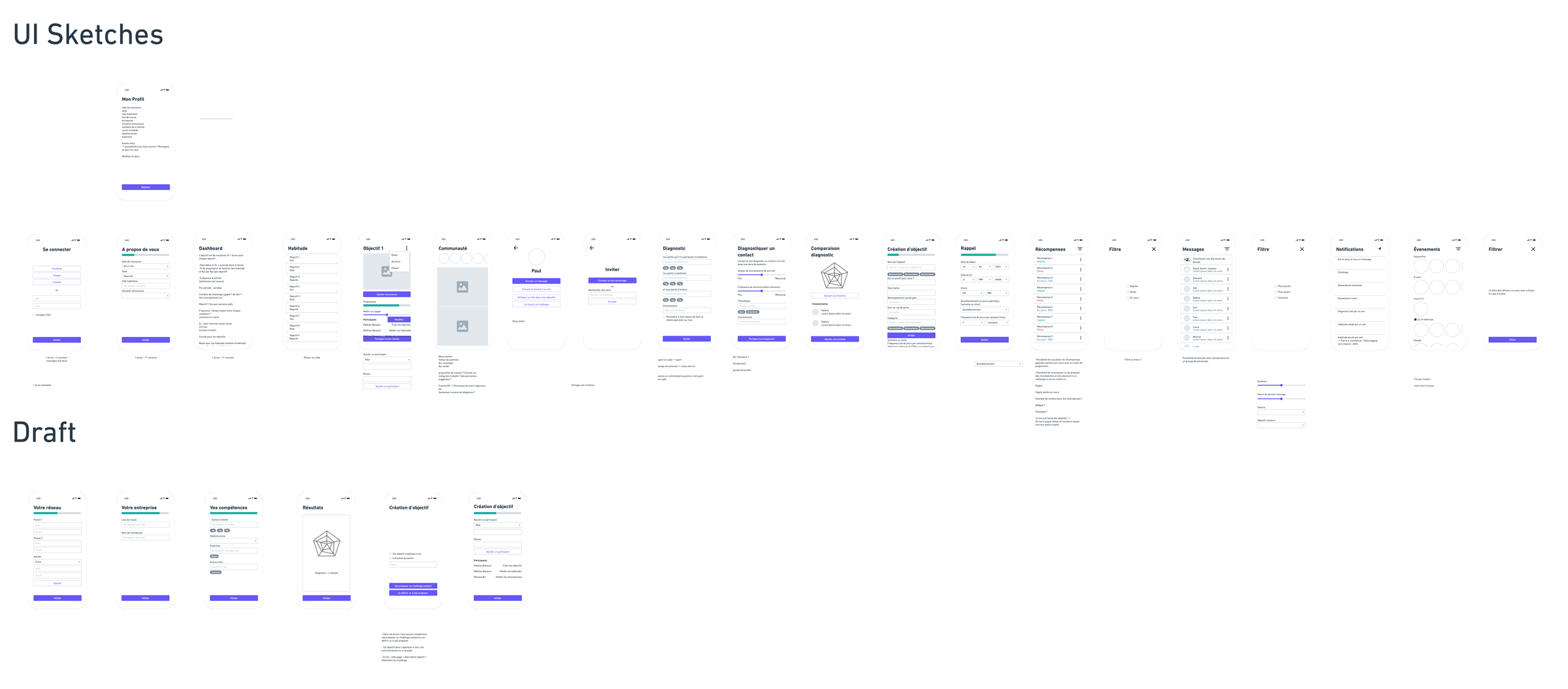
During first meetings with the owners of the project, as we were imaging a few ways social dynamics could help our users build positive habits and stay motivated to reach their goals, I was quickly drawing UI sketches, working through all the possible ways I could render the ideas in interface form.
It gave us a chance to play with all the possible outcomes freely and to think about how to get our user from A to B. After this initial work, they came with a few questions to ask their users during interviews they would conduct. 

Users Groups

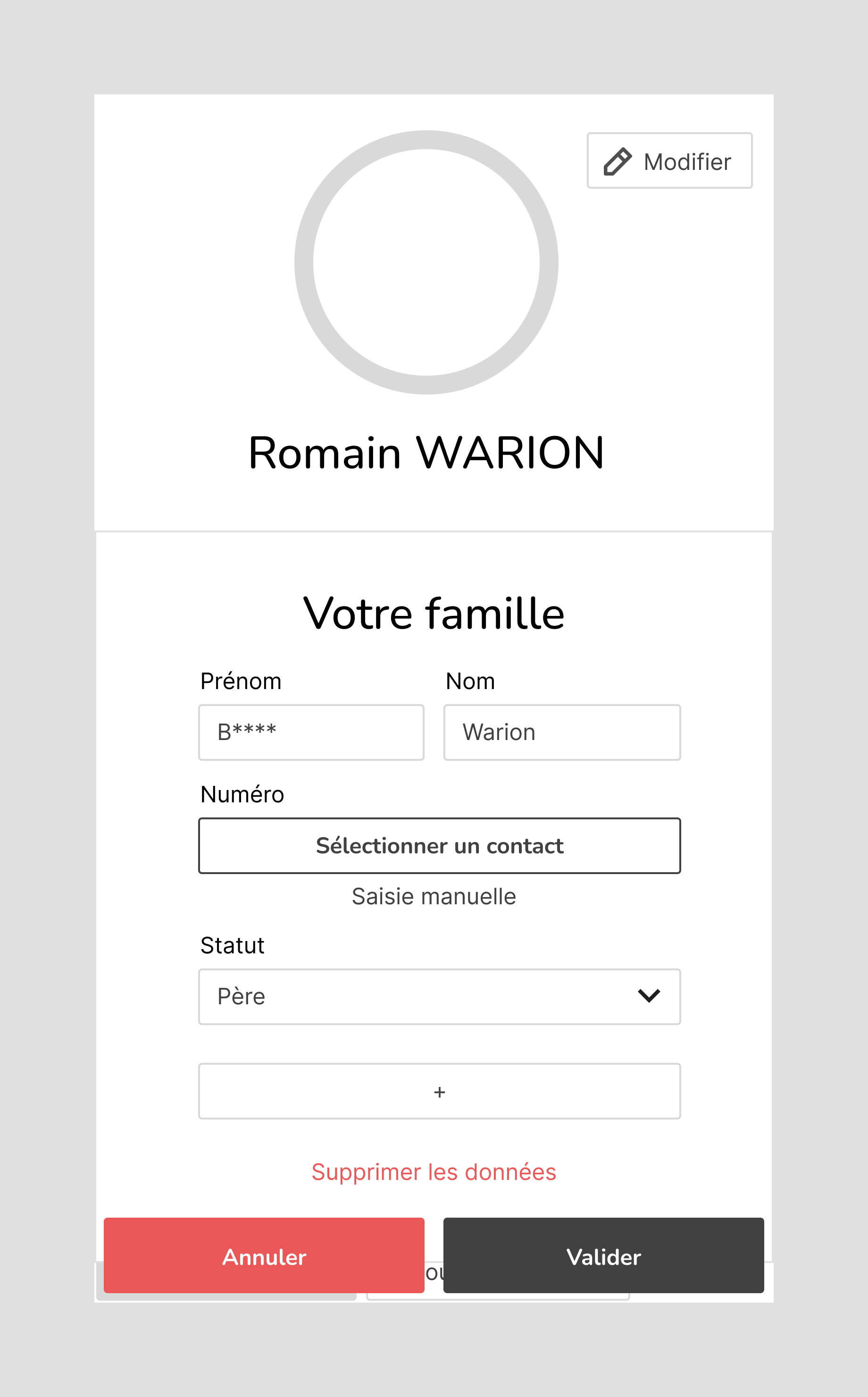
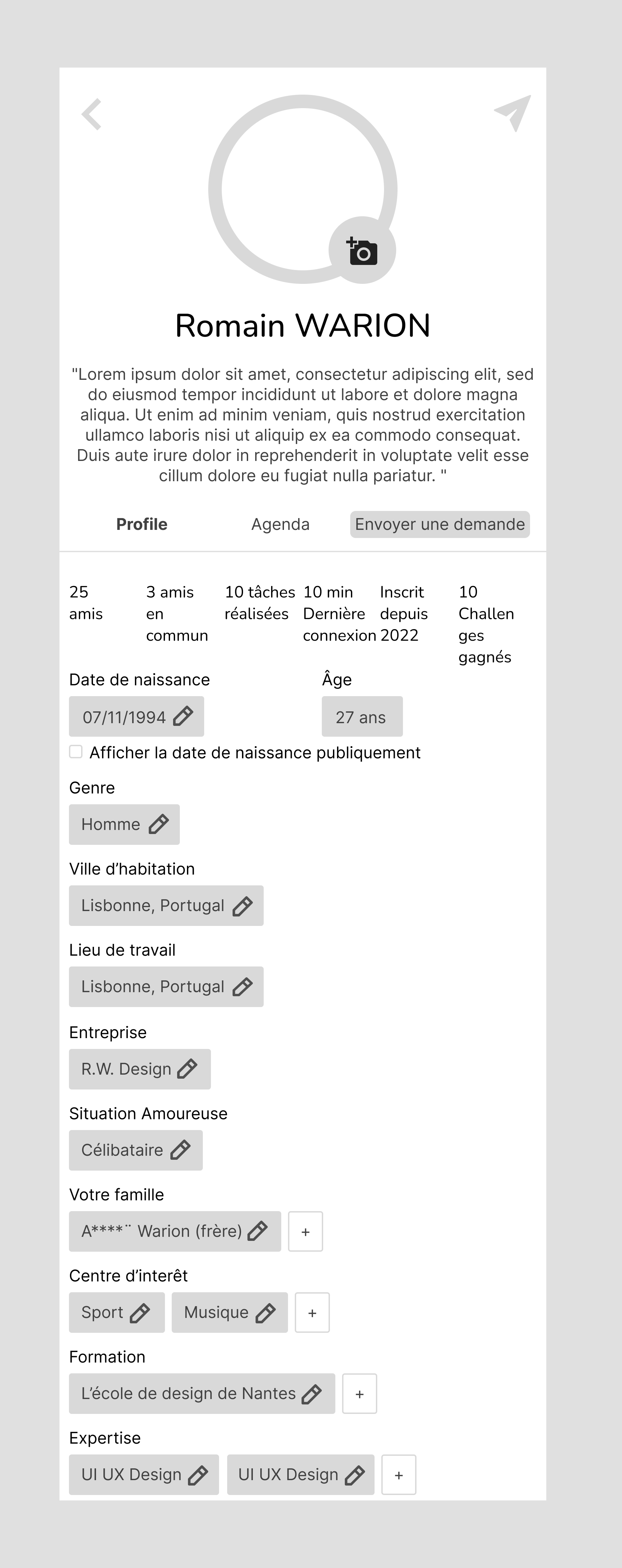
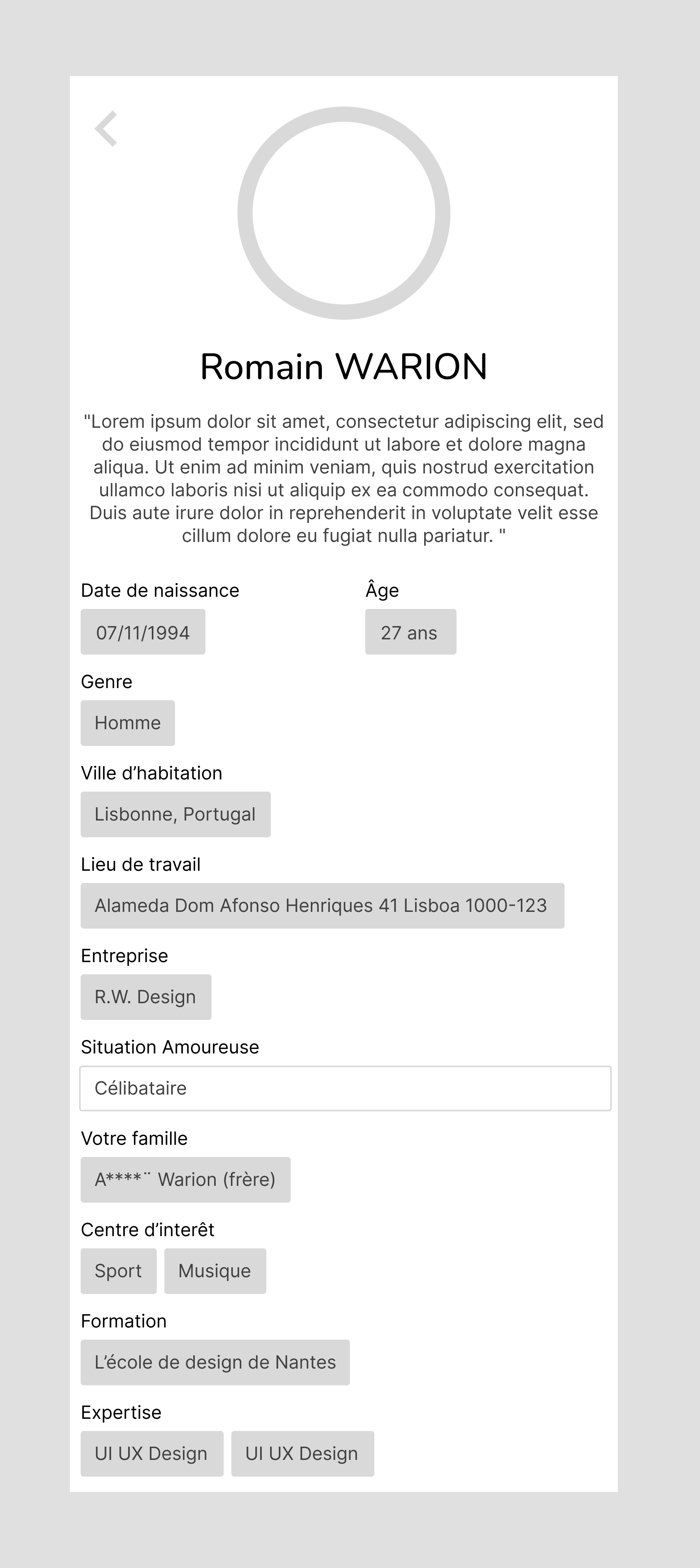
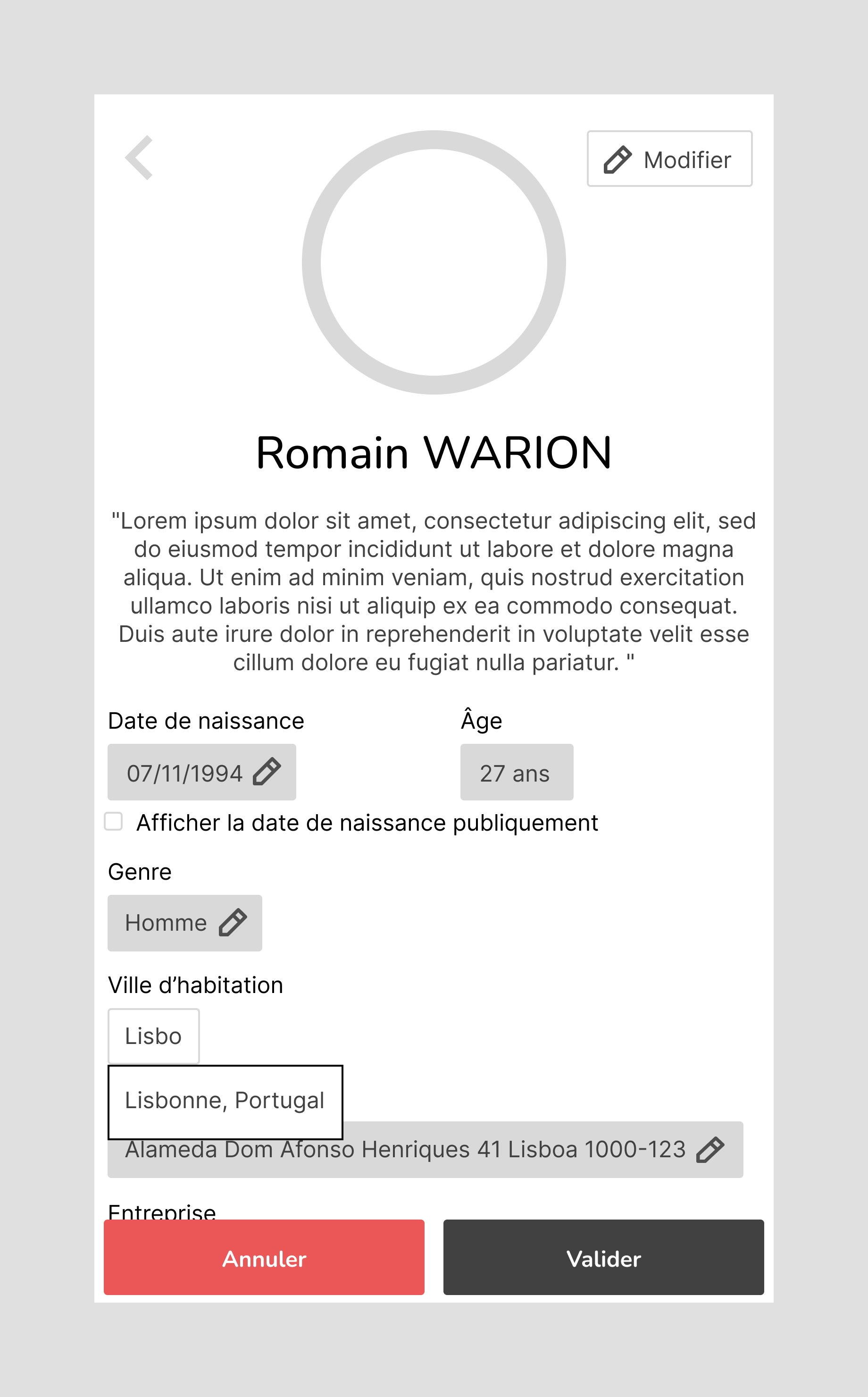
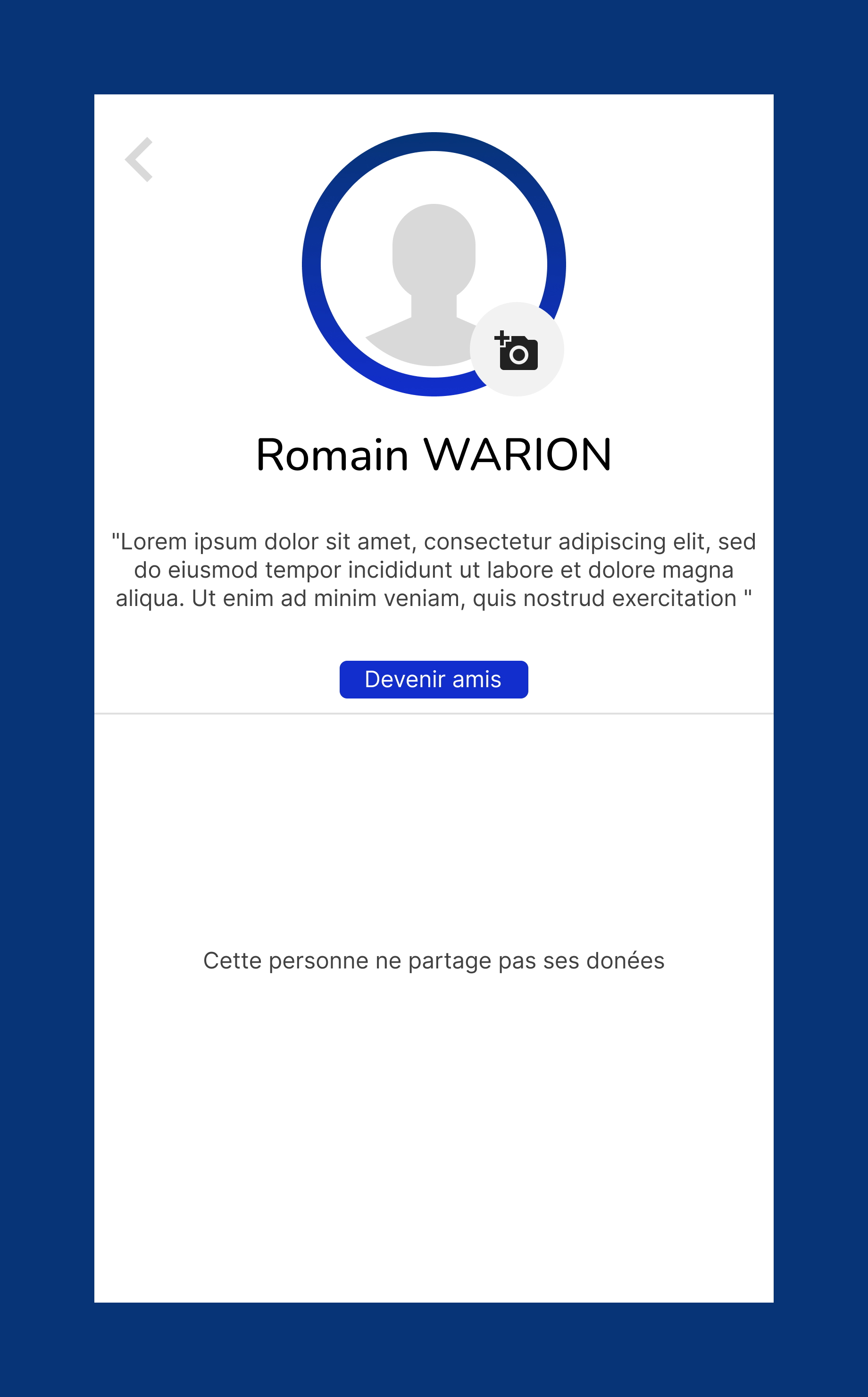
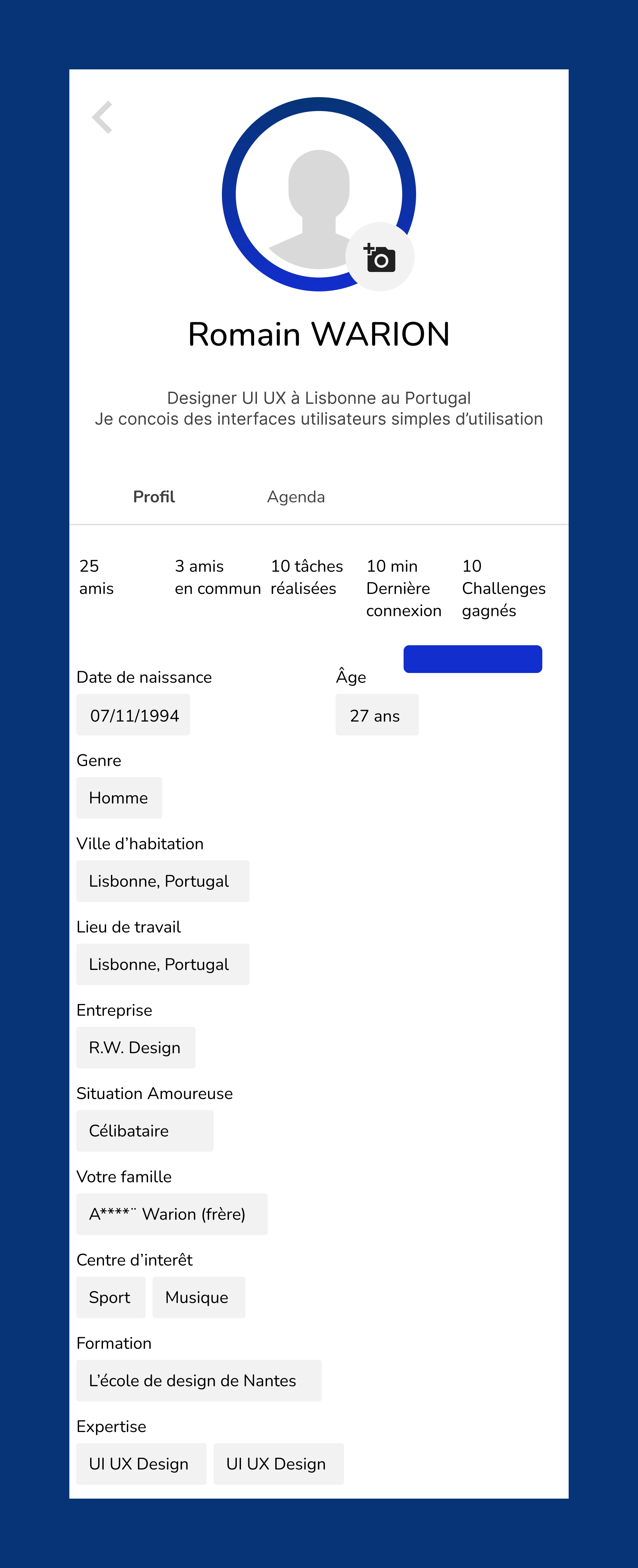
I made wireframes for Android phones, based on the needs of 2 groups of users, friends and visitors of the profile.

Friends

They have acess to the data their friends shared 
Visitors

They have a limited acess to information

Step 2 - Low fidelity wireframes

Based on the informations they gathered during interviews, Khadija and Sidi came back to me with the final creative brief.

I first, created low fidelity wireframes that I then handed to the management team who communicated them to a focus group of users they gathered opinion from. We used those wireframes with the development team as well so they could estimate their cost.

Step 3 - High fidelity wireframes

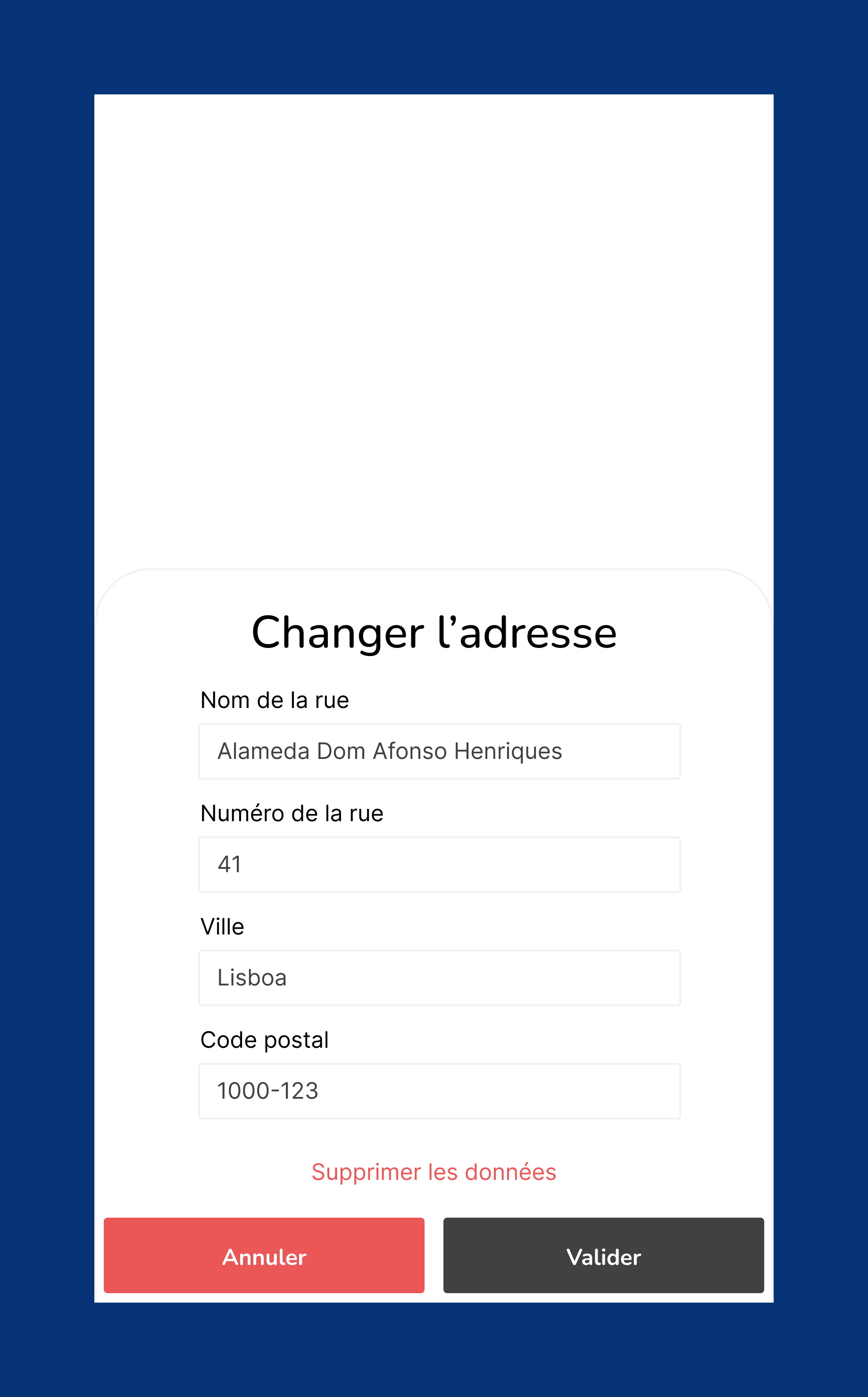
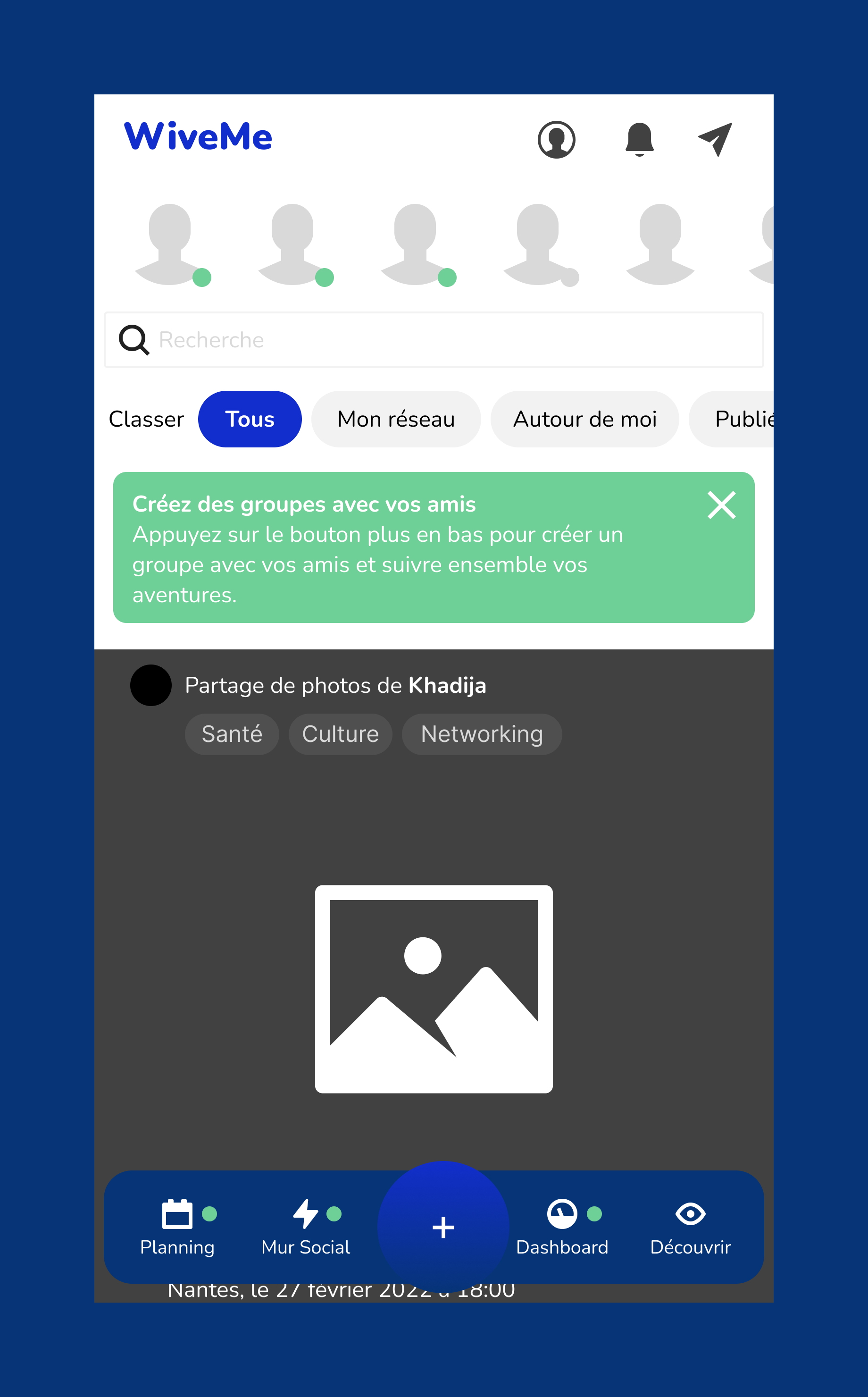
After iteration and validation of the low fidelity wireframes, I added style to the screens, adding colors, icons, typography. 

Step 4 - Design specifications

After the design of the screens was finished I created a design specification document. It is a detailed document that sets out exactly what a product or a process should present. 

For example, the design specification could include required dimensions, environmental factors, ergonomic factors, aesthetic factors, maintenance that will be needed, etc. It may also give specific examples of how the design should be executed, helping others work properly (a guideline for what the person should do), in this case the development team of the application and web site. The clients themselves and future designers working for them might as well use it.

To design this application I used

Whimsical
Figma
Photoshop
Illustrator

Get in Touch

Let's start design today!

We will reply in 24-48 hours

Copyright (c) 2022 R.W. Design - SASU Société par actions simplifiée à associé unique -  

15 Rue des halles 75001 Paris